| Command Summary | Command Syntax | Calculator Compatibility | Token Size |
|---|---|---|---|
| Sets the screen mode to FULL. | Full | TI-83/84/+/SE | 1 byte |
Menu Location
In the BASIC editor,
1. Press [MODE]
2. Press [DOWN] seven times
3. Press [ENTER] to insert Full
The Full Command
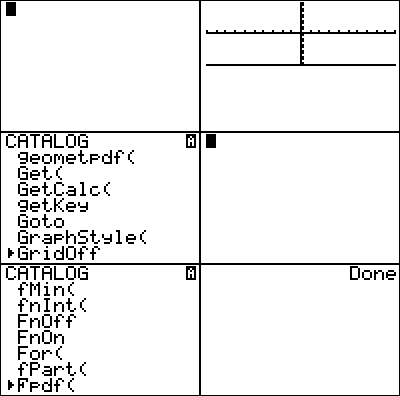
The Full command cancels the effects of either Horiz or G-T.
Full is usually used either at the beginning and/or ending of a program. It is used at the beginning to ensure that the screen mode is Full, the standard setting. It is used at the end if the screen mode was changed in the middle of the program (as clean up).
:Full
Related Commands
Authors: