| Command Summary | Command Syntax | Calculator Compatibility | Token Size |
|---|---|---|---|
| Puts the calculator into simultaneous graphing mode. | Simul | TI-83/84/+/SE | 2 bytes |
Menu Location
While editing a program, press:
1. MODE to access the mode menu.
2. Use arrows and ENTER to select Simul.
The Simul Command
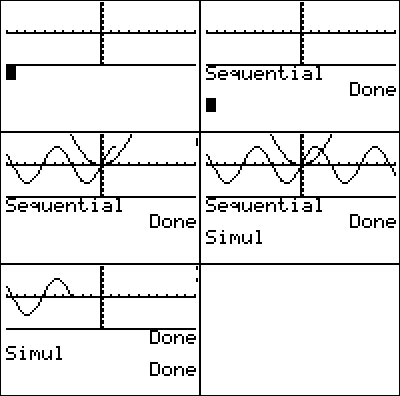
Simul puts the calculator into simultaneous graphing mode. When multiple equations are enabled at the same time, simultaneous graphing mode graphs them at the same time (as opposed to Sequential mode, in which they will be graphed one after the other)
If you use a list in an equation, as with Y1={1,2,3}X, this will graph several equations that will always graph separately, regardless of this setting, which only affects multiple functions in different equation variables.
Related Commands
Authors: