| Command Summary | Command Syntax | Calculator Compatibility | Token Size |
|---|---|---|---|
| Sets the screen mode to G-T. | G-T | TI-83/84/+/SE | 2 bytes |
Menu Location
In the program editor,
1. Press [MODE] for the mode menu
2. Press [DOWN] seven times (for the split screen commands)
3. Press [RIGHT] twice to select G-T
4. Press [ENTER] to insert it
This command can be used on the home screen, but must be selected from the catalog.
The G-T Command
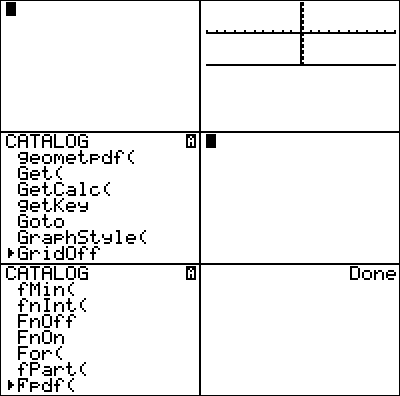
G-T puts the calculator into "Graph-Table" mode: this mode shows the home screen at full size, but the graph screen and table will be displayed together, each taking up half the screen (divided vertically).
G-T is usually used at the beginning of a program to ensure that the screen mode is G-T , for programs such as math programs that want to demonstrate the thinking step-by-step.
:G-T
With OS version 2.30 (on the TI-84+ and TI-84+ SE calculators), G-T mode can be used with stat plots as well.